- Оригинальный выпуск
- Предыдущая серия S01E22 - Minecraft Tutorials - 20 - How to Survive & Thrive…
- Номер S01E23
-
Внешние ссылки
Страница на YouTube
-
Последнее обновление
24 août 2025 - 13:54
на 11 базах данных
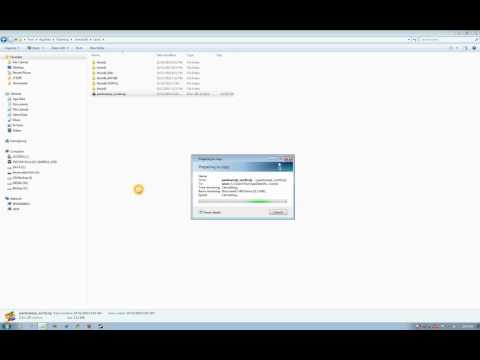
Minecraft Tutorial - How to find your save files
Tutorial for finding your game world save files on Windows and how to manipulate them. I demonstrate how to rename, copy, and install game world save files from a ZIP file. For example, if you download a game world file from a friend or website, you will learn how to install it in your Minecraft folder so you can play it.
To test, download my game world here:
http://www.youtube.com/watch?v=2Z0lsbRl1rE
If you're on a Mac, check out this tutorial:
http://www.youtube.com/watch?v=3w1u3QOJhDQ

Следующая серия
S01E24 - Minecraft Tutorials - 21 - How to Survive & Thrive (back to the Nether!)
Смотрите эпизод